Video A — Overview
Storyboard only
60–75s. Establishes the whole platform: hero headline, product family, then a
quick cut through structure → schedule → stats → transactions.
- Open hero; headline types/reveals on screen
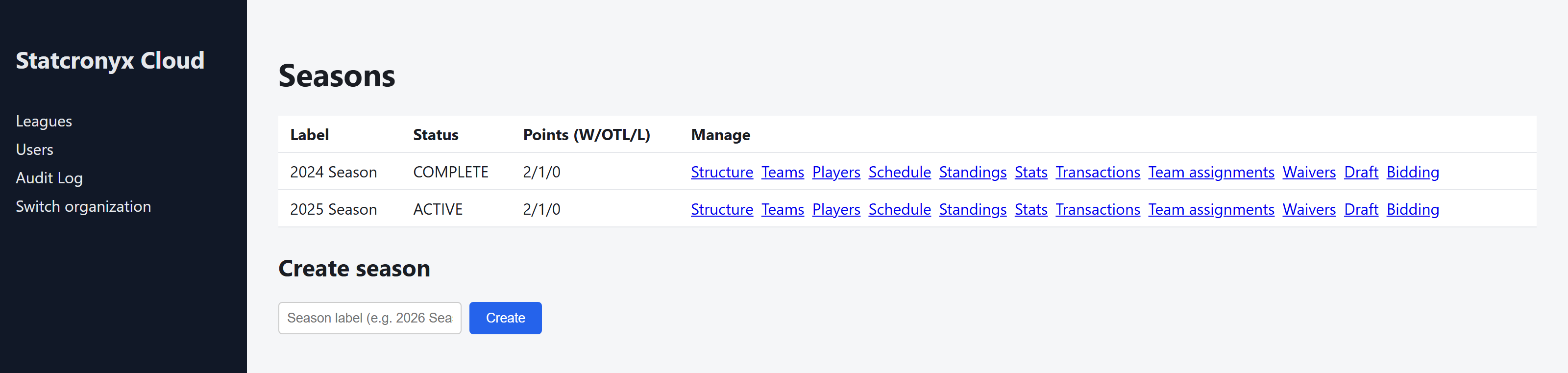
- Cut to admin Seasons list (real capture available)
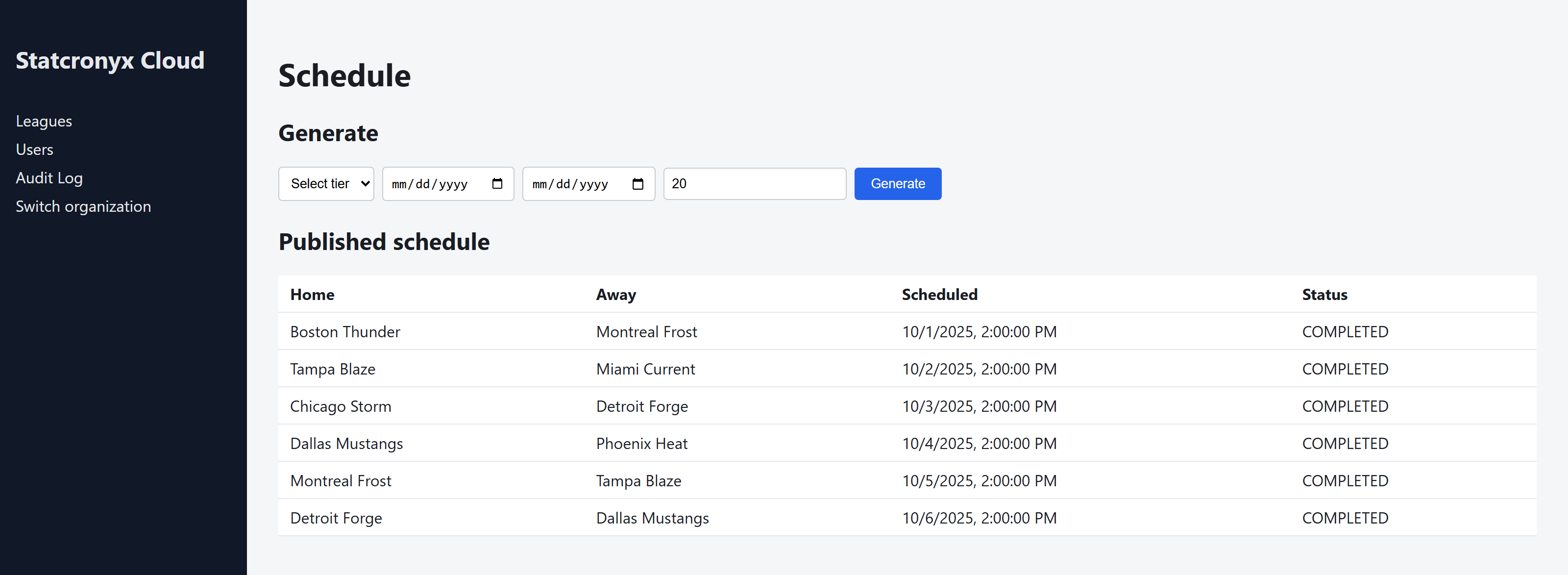
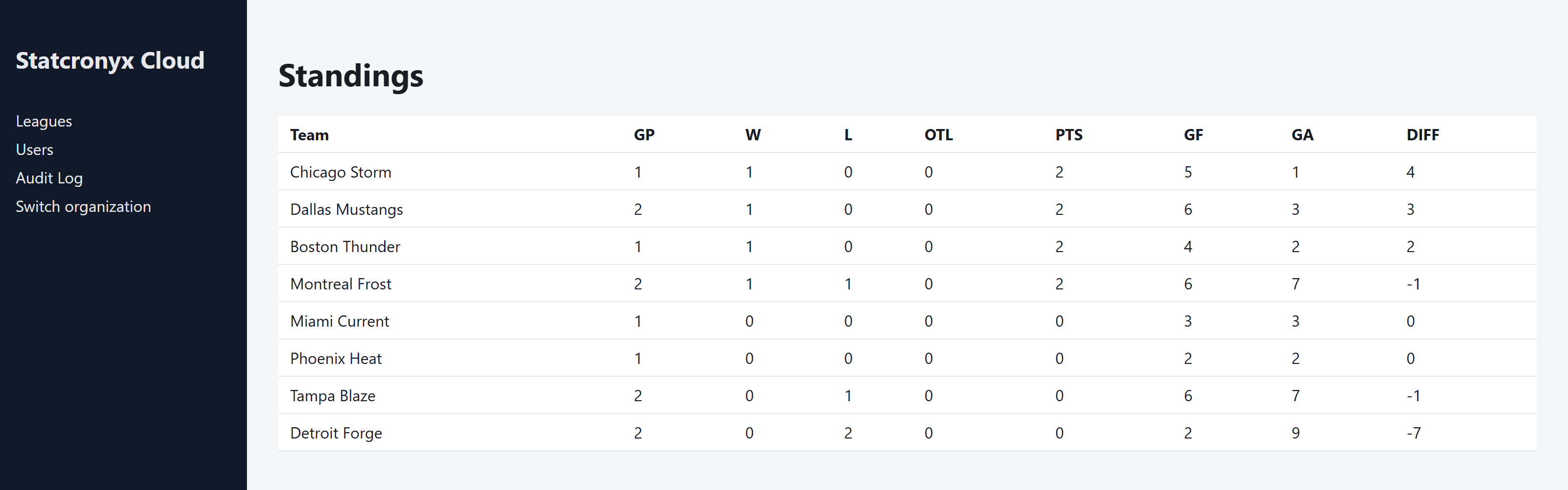
- Cut to Schedule, then Standings
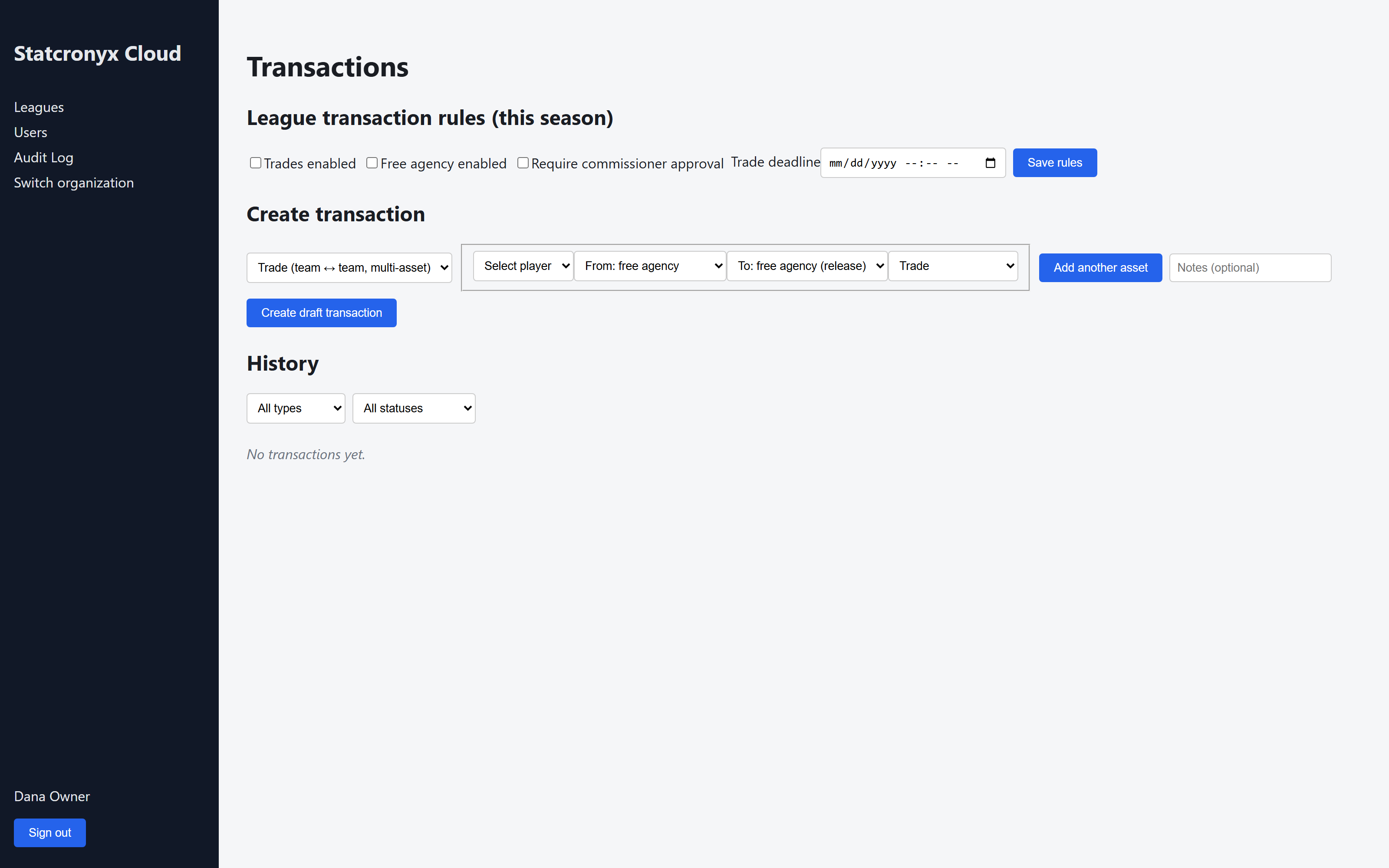
- Cut to Transactions history showing an executed trade
- End on wordmark + tagline
Video B — Schedule Management
Storyboard only
30–45s. Shows generating and publishing a schedule.
- Open Schedule page, select tier + date range
- Click Generate; published schedule appears
- Scroll the real generated rows (home/away/date/status)
Video C — Automated Statistics
Storyboard only
30–45s. Shows standings computing from real results, admin and public views.
- Open admin Standings for the completed 2024 season
- Call out GP/W/L/OTL/PTS/DIFF columns
- Cut to the public league site's Standings/Teams pages
Video D — Cloud League Administration
Storyboard only
45–60s. Console tour: Leagues → Seasons → Users/Audit Log → switch organization.
- Open Seasons list, point out 2024/2025 status
- Open Users page, Audit Log page
- Open "Switch organization" to show multi-tenant operator support
Video E — Advanced League Operations
Storyboard only
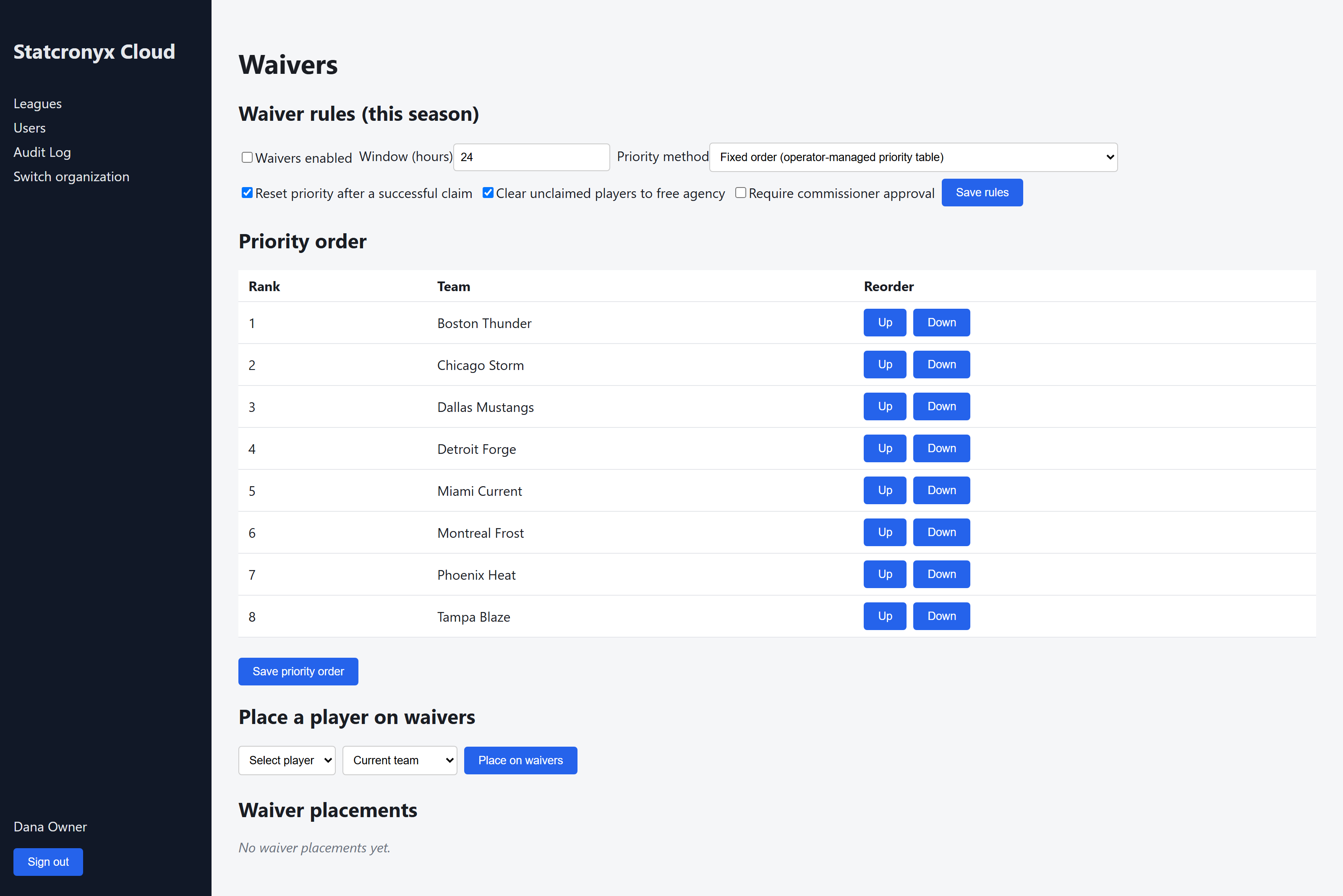
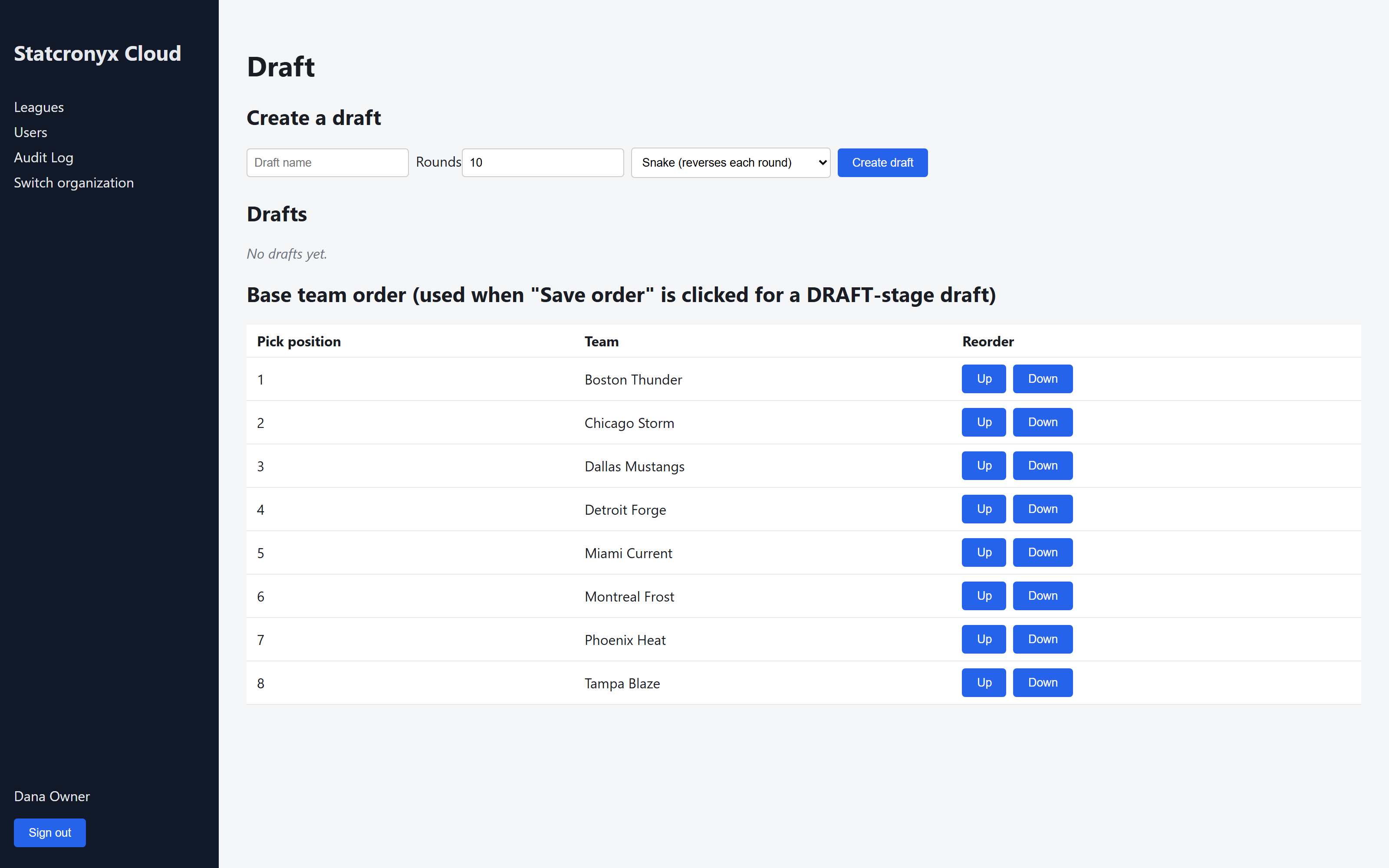
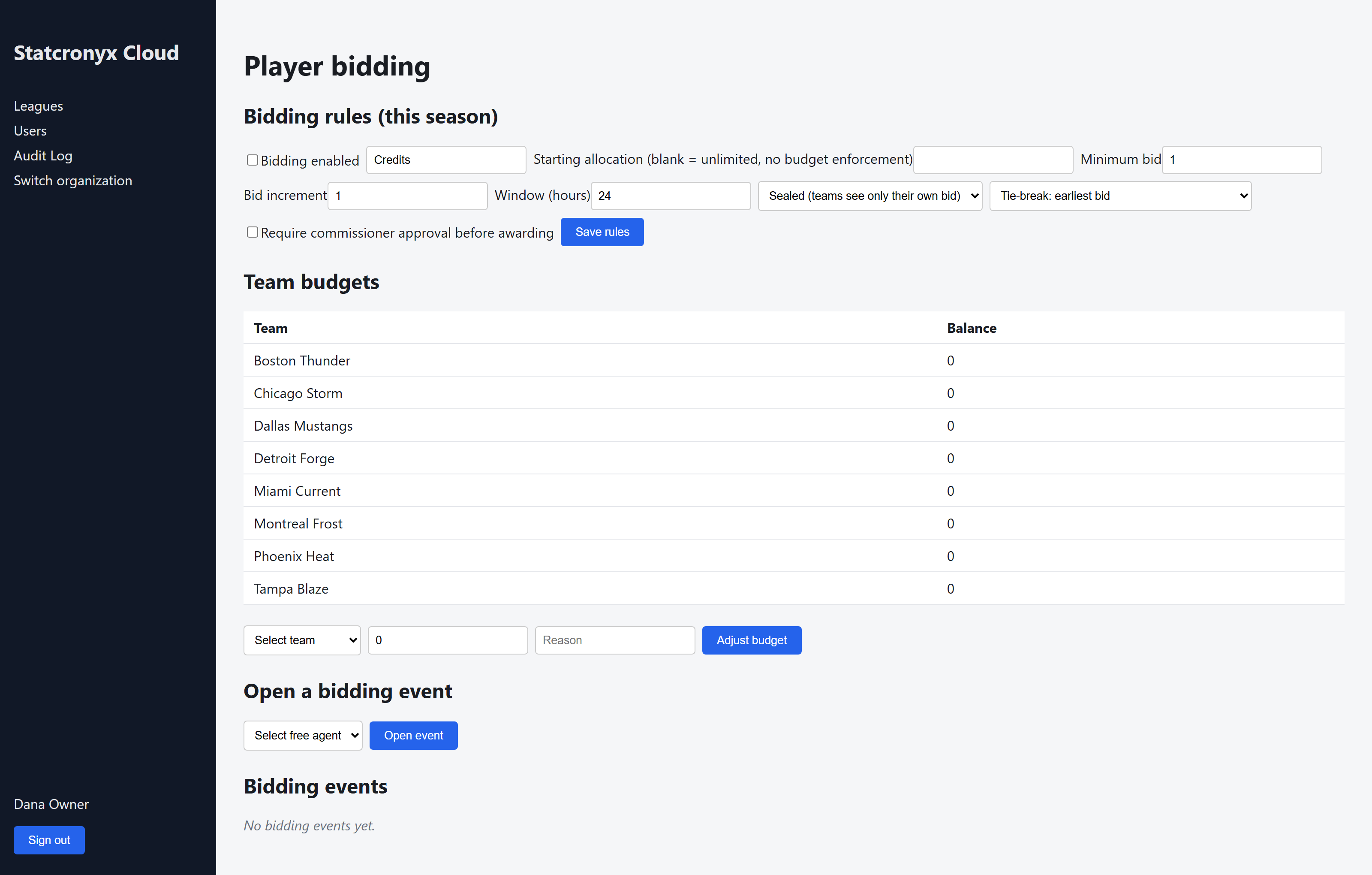
60–75s. Transactions → waivers → draft → bidding, back to back.
- Transactions: create a trade; show history with the executed trade
- Waivers: show priority order, place a player on waivers
- Draft: create a draft, show base team order
- Bidding: open a bidding event, show team budgets
Video F — Connect
Storyboard only
30–40s. Since Connect has no web UI, this is a desktop-app capture, not a browser
recording.
- Desktop app window: connection/sync status indicator
- Trigger a manual sync; show a completion toast/log line
- Cut to the existing league website reflecting the synced data